Skip to content
pinsload
Images · Originals · Covers

Pinterest Image Downloader

Save the full-size image behind any public Pin — the original upload, not the smaller copy in your feed.

  • Free
  • No app
  • No sign-up
  • No watermark added

No link handy?

01

How to Download Images from Pinterest

This Pinterest image downloader takes one link and gives you the original file. It works the same for wallpapers, recipe cards, outfit photos and design references.

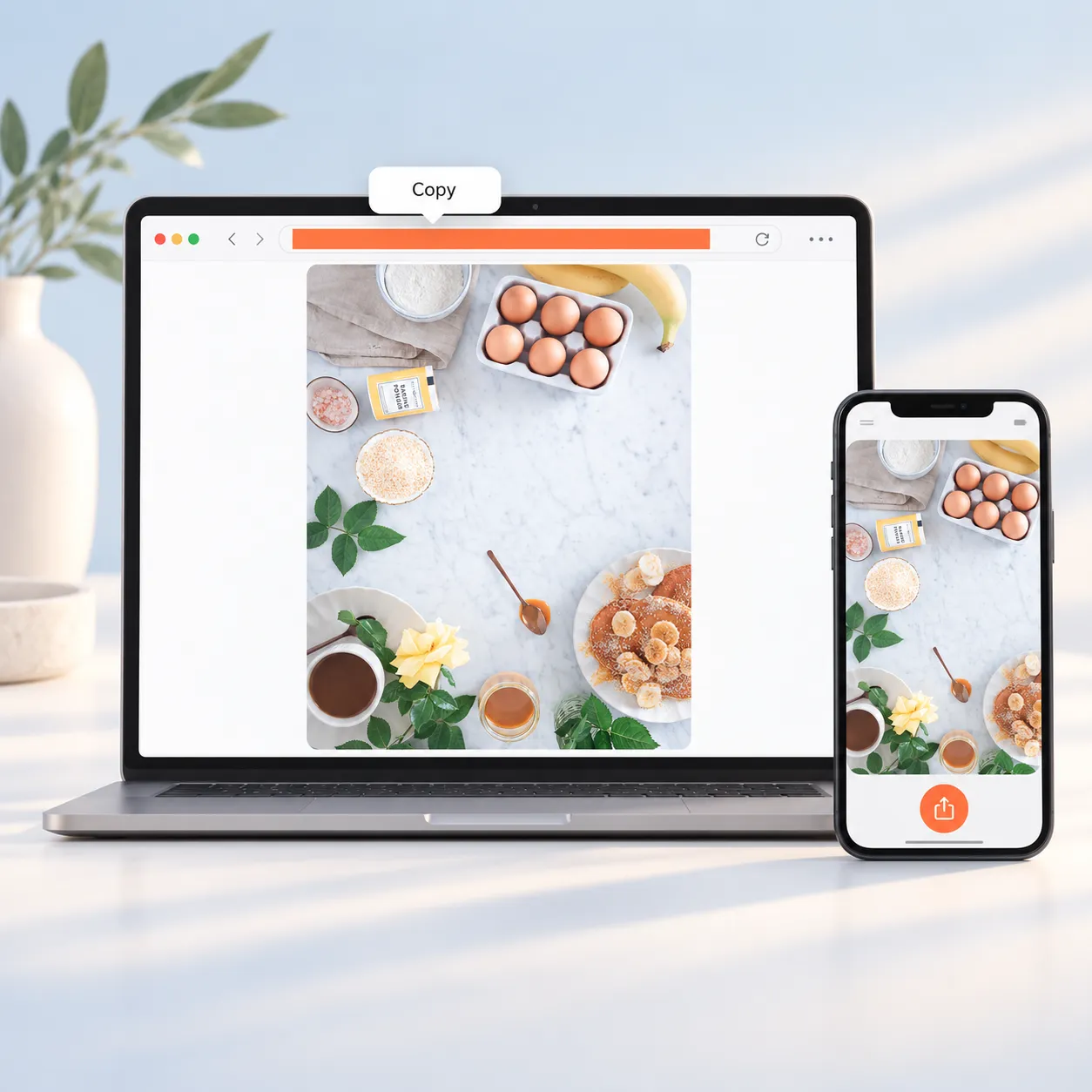
  1. Copy a Pinterest image link from the Share menu

    Step 1: Copy the Pin Link

    Open the Pin in the Pinterest app or on the website. Tap Share, then Copy link, or copy the address from your browser bar. Short pin.it links work too.

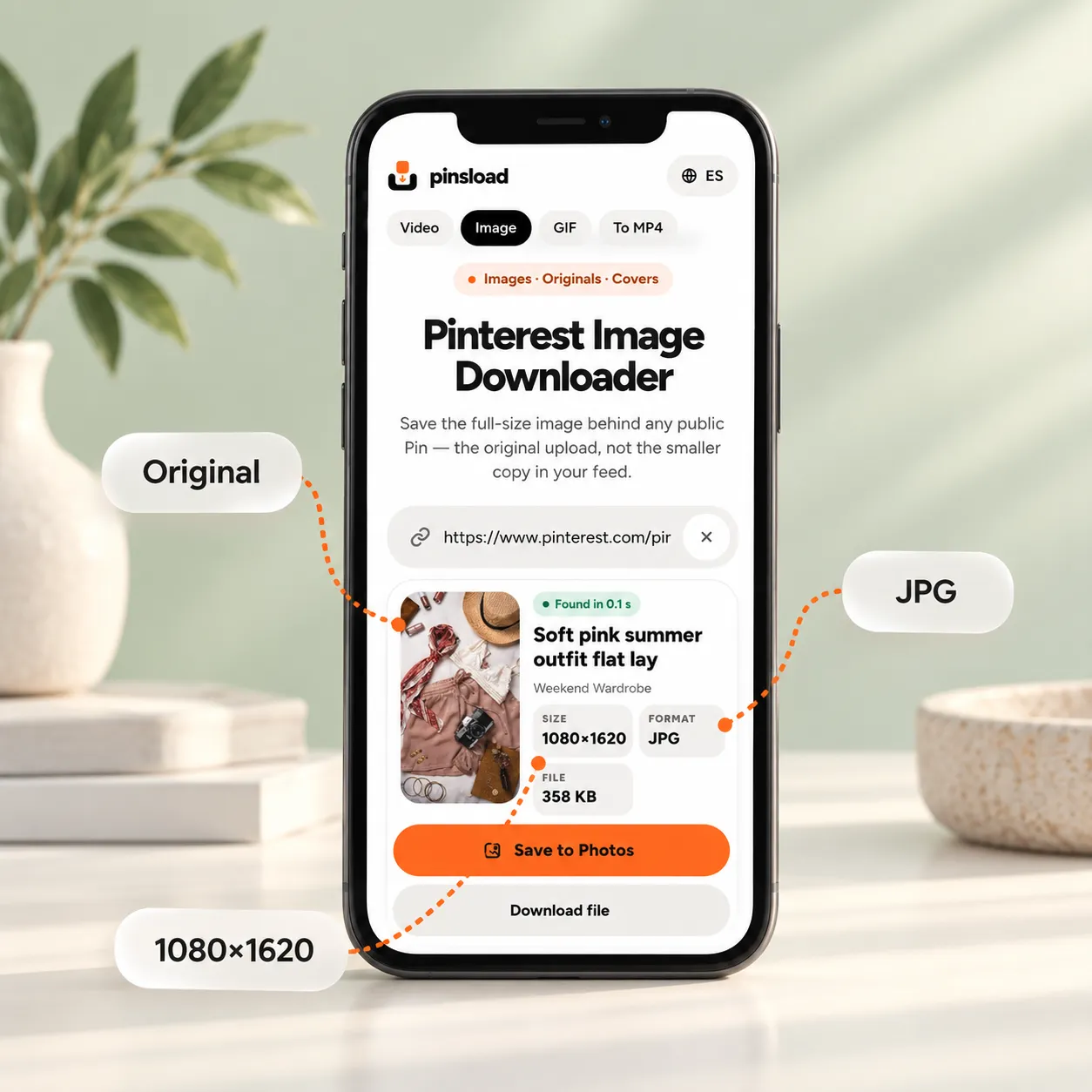
  2. Paste the Pin link to see the original image size and format

    Step 2: Paste It and Pick the Original Image

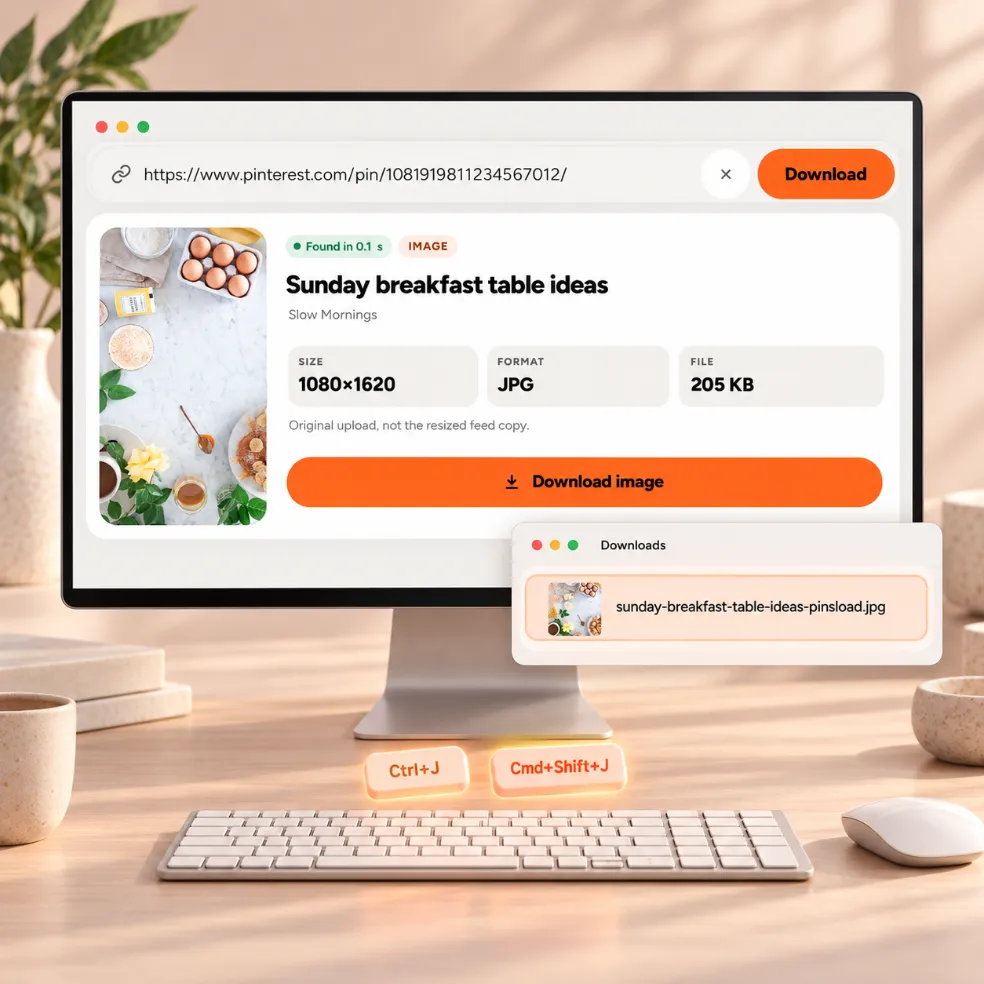
    Paste the link into the box above. Pinsload shows the image with its real width, height, format and file size, so you know what you're saving before you save it.

  3. Save the original Pinterest image to your phone or computer

    Step 3: Download It in the Original Format

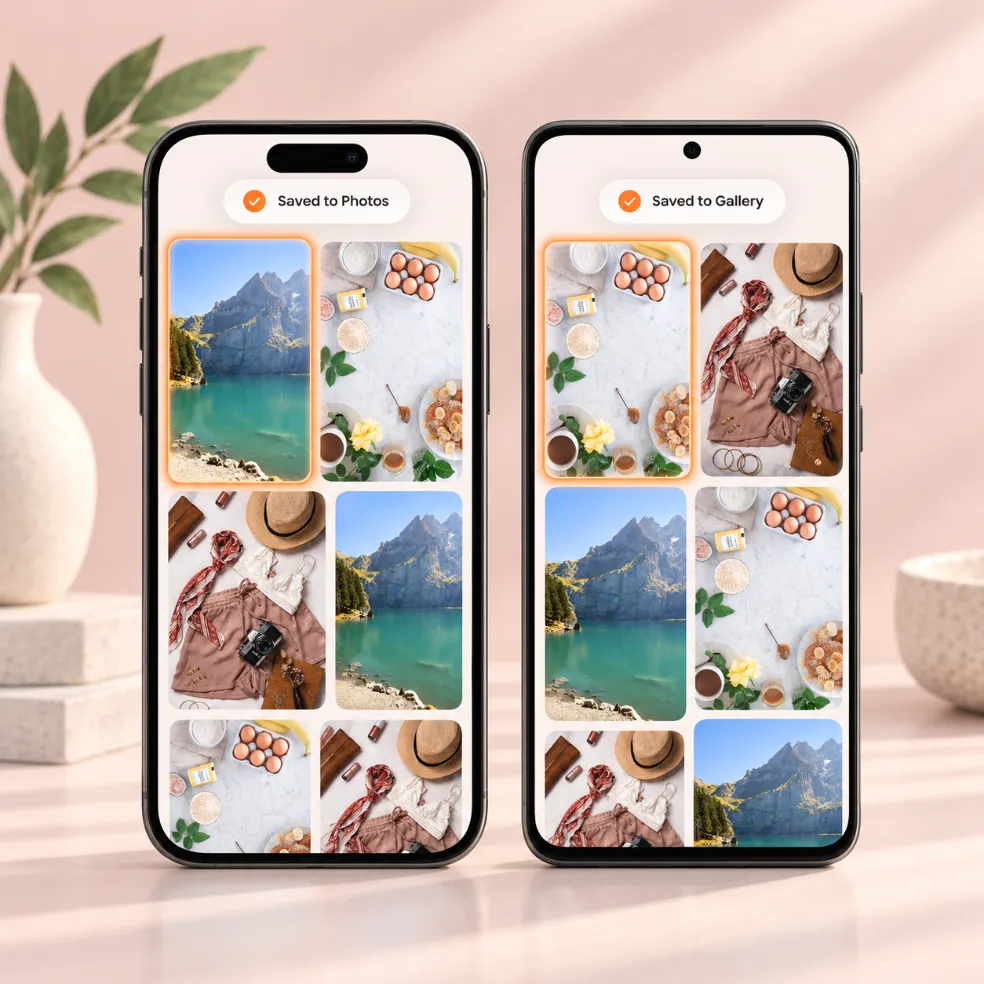
    On a computer, click Download image. On a phone, tap Save to Photos, then pick Save Image on iPhone or your gallery app on Android. The file keeps the format it was uploaded in and is named after the Pin's title.

02

Download Pinterest Images in HD, 4K and High Quality

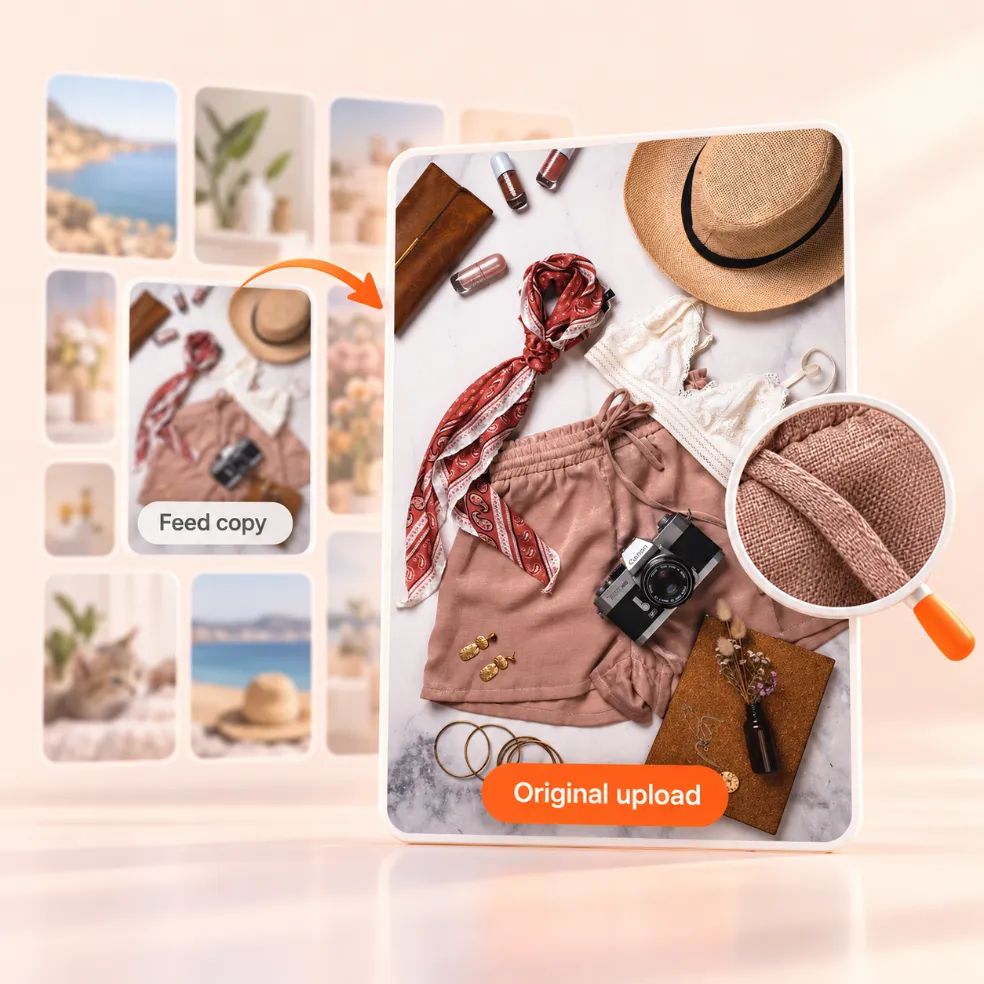
Pinterest's feed shows resized copies, usually 236 or 736 pixels wide. Behind each image Pin there is an original upload, and that's the file Pinsload saves.

A Pinterest image saved at its original resolution

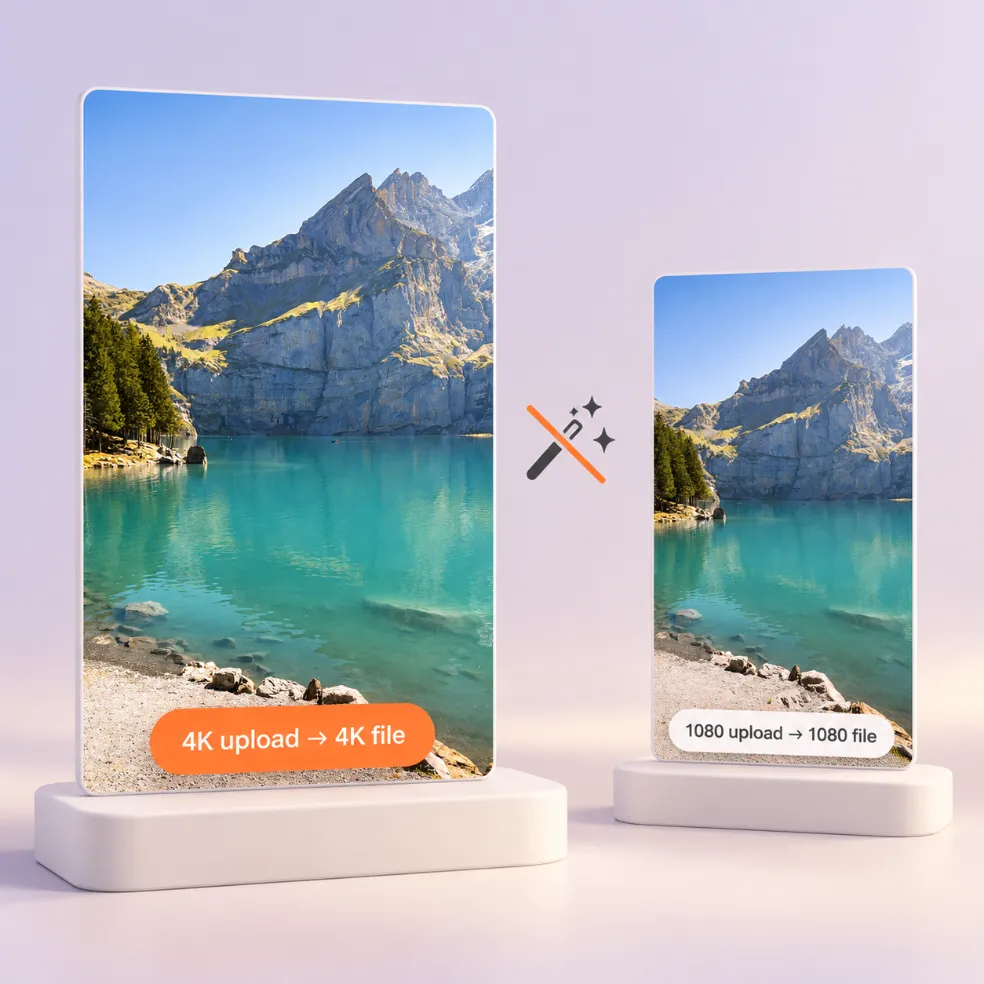
Why 4K Only Works When the Original Upload Was 4K

Pinsload can't add pixels that aren't there. If a creator uploaded a 3840-pixel wallpaper, you get 3840 pixels. If they uploaded a 1080-pixel photo, 1080 is the highest version that exists. The result card shows the real size, so you can see which one you have.

Original Pinterest image compared with the smaller feed thumbnail

Originals vs Feed Thumbnails: What You Actually Get

Right-click "save image" usually gives you the smaller feed copy, which is why saved Pins can look blurry. A screenshot is limited to your screen's resolution and picks up anything else on screen. Pinsload goes back to the original upload instead, so text stays sharp and colors stay as the creator made them.

03

Pinterest Photo Downloader on Any Device

Everything runs in your browser. There's no app, extension or account.

Save a Pinterest photo to Photos on iPhone or the Gallery on Android

iPhone and Android

Paste the link in Safari or Chrome and tap Save to Photos. On iPhone, the share sheet opens and you choose Save Image. On Android, pick your gallery or photos app, or tap Download file to keep it in Downloads.

Download a Pinterest photo on Windows or Mac in Chrome

Windows, Mac and Chrome

On a computer, click Download image and the file goes to your Downloads folder. In Chrome, press Ctrl+J on Windows or Cmd+Shift+J on Mac to open your downloads.

04

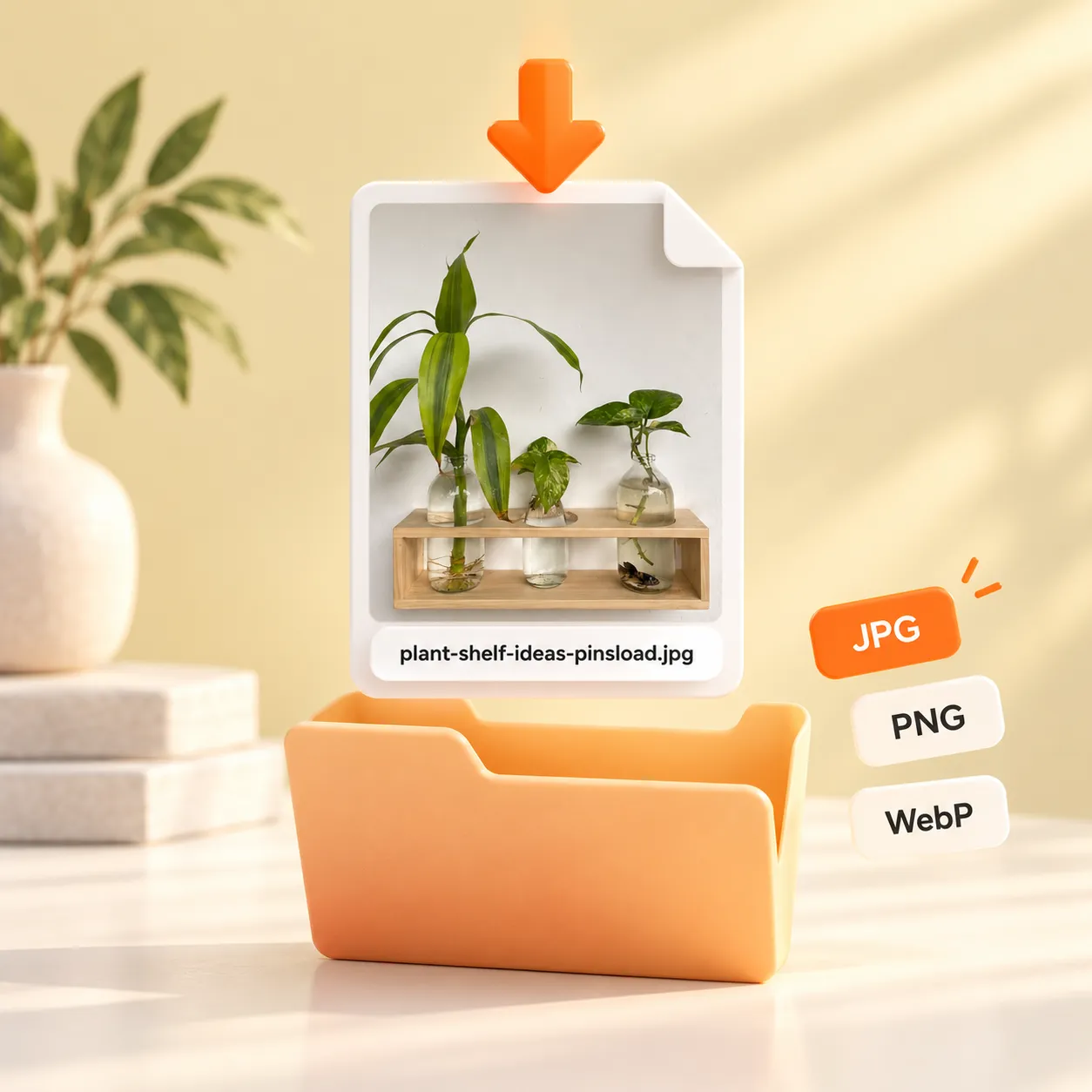
Supported Image Formats: JPG, PNG and WebP

Most Pins are JPG photos. Graphics with transparent backgrounds are often PNG, and some newer uploads are WebP. Pinsload saves the format the creator uploaded and doesn't convert it, so a transparent PNG keeps its transparency.

Pinterest images saved as JPG, PNG and WebP files in their original format

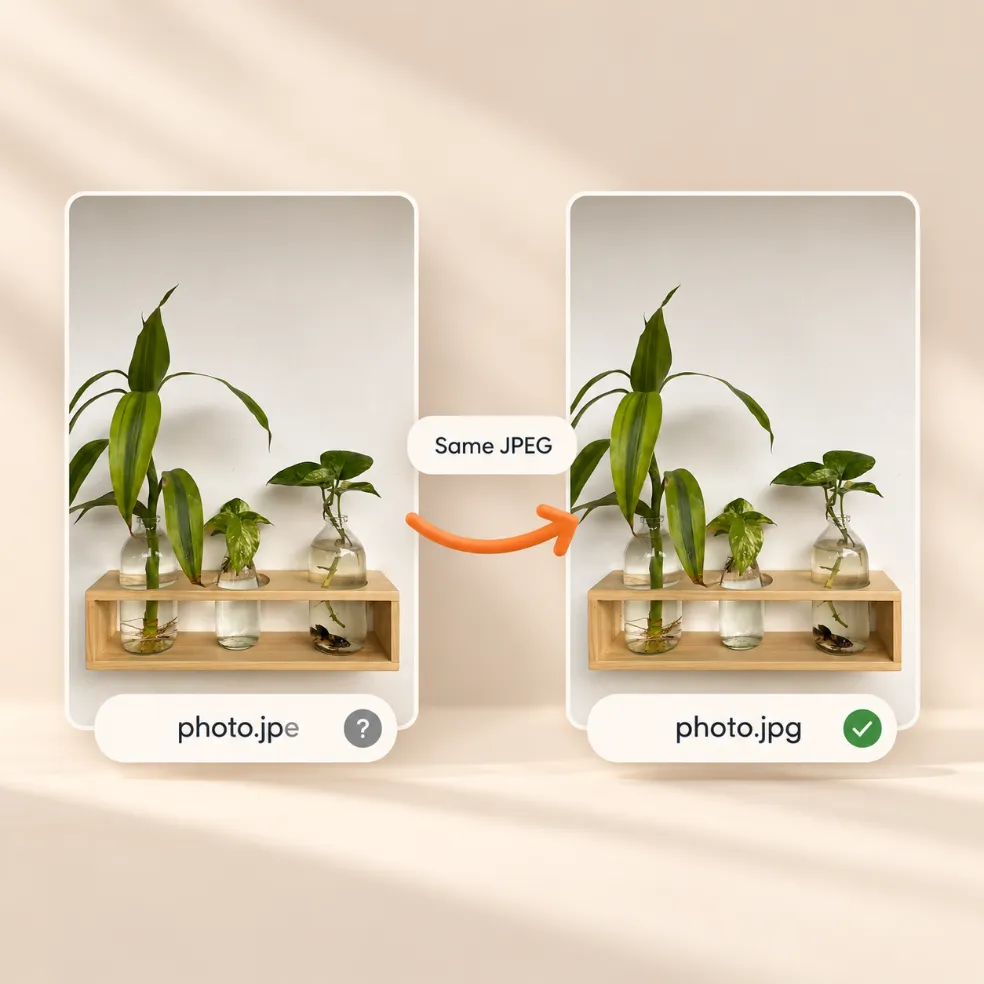
Why Your Pinterest Image File Ends in .jpe

A .jpe file is an ordinary JPEG with a less common file extension. If an app won't open it, rename the ending to .jpg and it will work. Images saved with Pinsload use a standard extension — .jpg, .png or .webp.

05

What You Can and Can't Get from a Pin

Save the full-size cover image of a Pinterest video Pin

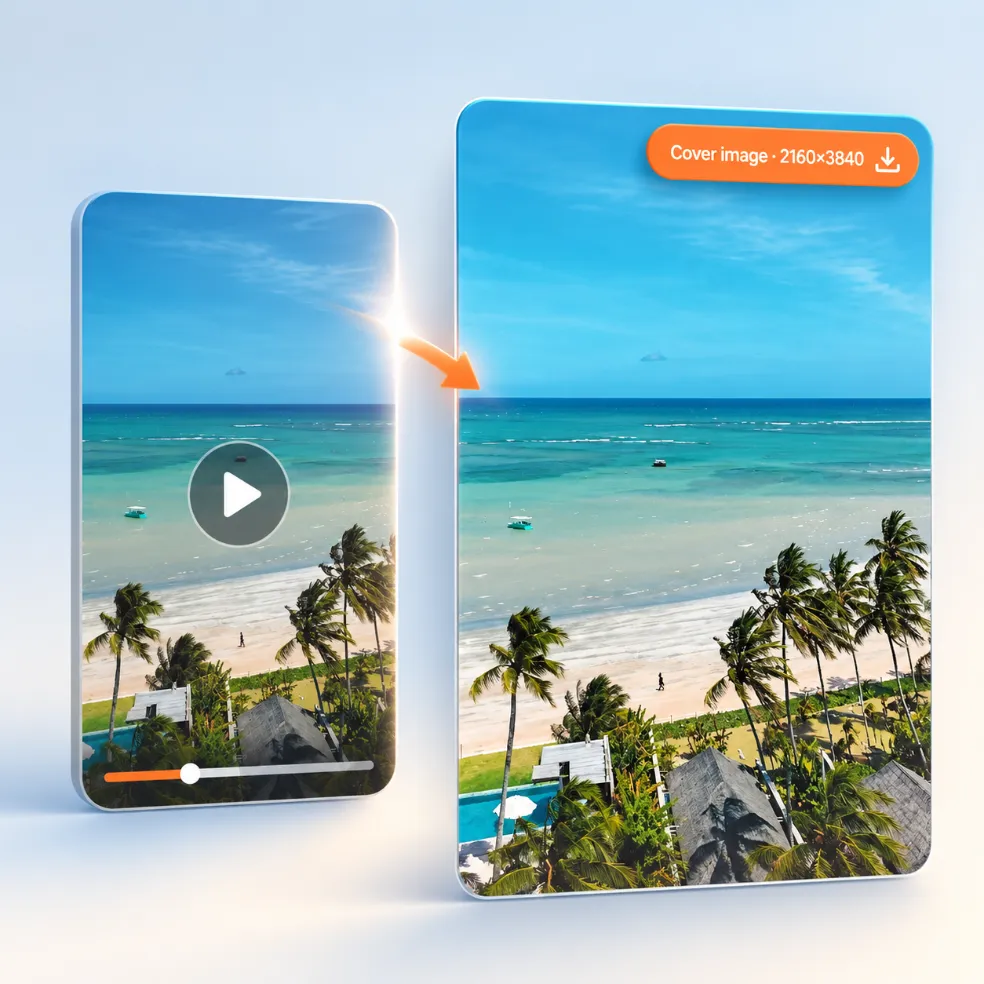
Video Pins: Save the Cover Image

Video Pins have a cover image too. Paste the video Pin, open More options and save the cover at its original resolution. On our test video Pin, the cover was 2160×3840.

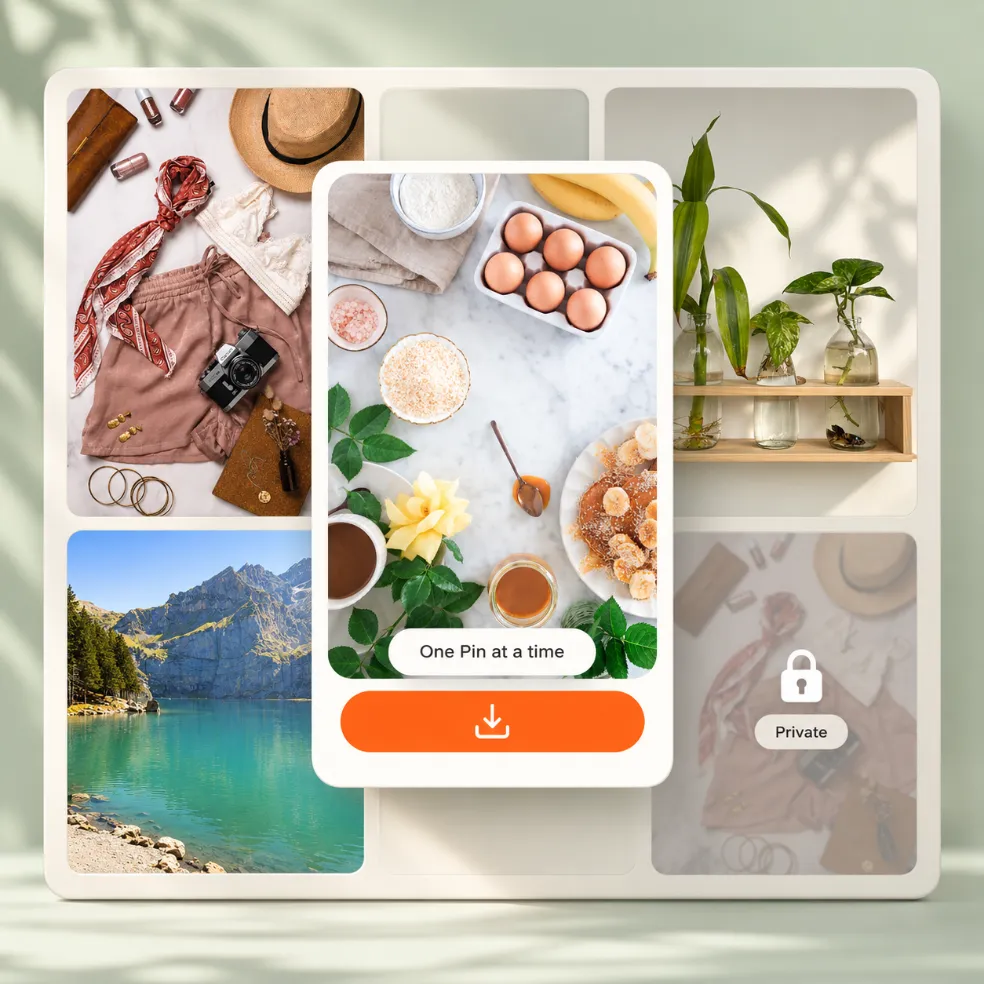
Pinsload saves one Pinterest image at a time, not whole boards

Boards: One Pin at a Time

Pinsload saves one Pin at a time. To keep images from a board, open each Pin, copy its link and paste it here. Private and secret Pins can't be downloaded, because Pinsload never asks for your Pinterest login.
06

Pinterest Image Downloader FAQ

Can I download an image from Pinterest?

Yes. Pinterest's own menu offers Download image on some Pins, but not all of them. Pinsload works on any public image Pin: paste the link and save the original file.

How do I download Pinterest images?

Copy the Pin link with Share › Copy link, paste it into the box at the top of this page and click Download image. On a phone, tap Save to Photos.

How do I download high quality images from Pinterest?

Save the original upload, not the feed copy. Paste the Pin link into Pinsload and you get the full-size file, with its real width and height shown before you download.

Can I download 4K images from Pinterest?

Only if the original upload was 4K. Pinsload gives you the largest version that exists, and the result card shows its exact size.

How do I download Pinterest images to my phone?

Open Pinsload in your phone's browser, paste the Pin link and tap Save to Photos. On iPhone, choose Save Image in the share sheet; on Android, pick your gallery app or tap Download file.

Why can't I download images from Pinterest anymore?

Pinterest says not every Pin can be downloaded, so the Download image option doesn't always appear. Pinsload saves any public Pin. If a Pin still won't work, it's private, deleted, or only links to another website — Pinsload tells you which.

What Pinterest downloader is safe?

Use one that doesn't ask for your Pinterest login and doesn't make you install anything. Pinsload never asks for a login, runs in your browser and doesn't store the images you download on its servers.

Why does my downloaded Pinterest image file end in .jpe?

It's a normal JPEG with a rare extension. Rename it to .jpg if an app won't open it. Files from Pinsload use standard extensions.

Can I download all images from a Pinterest board at once?

No. Pinsload saves one Pin at a time: open a Pin on the board, copy its link and paste it here.