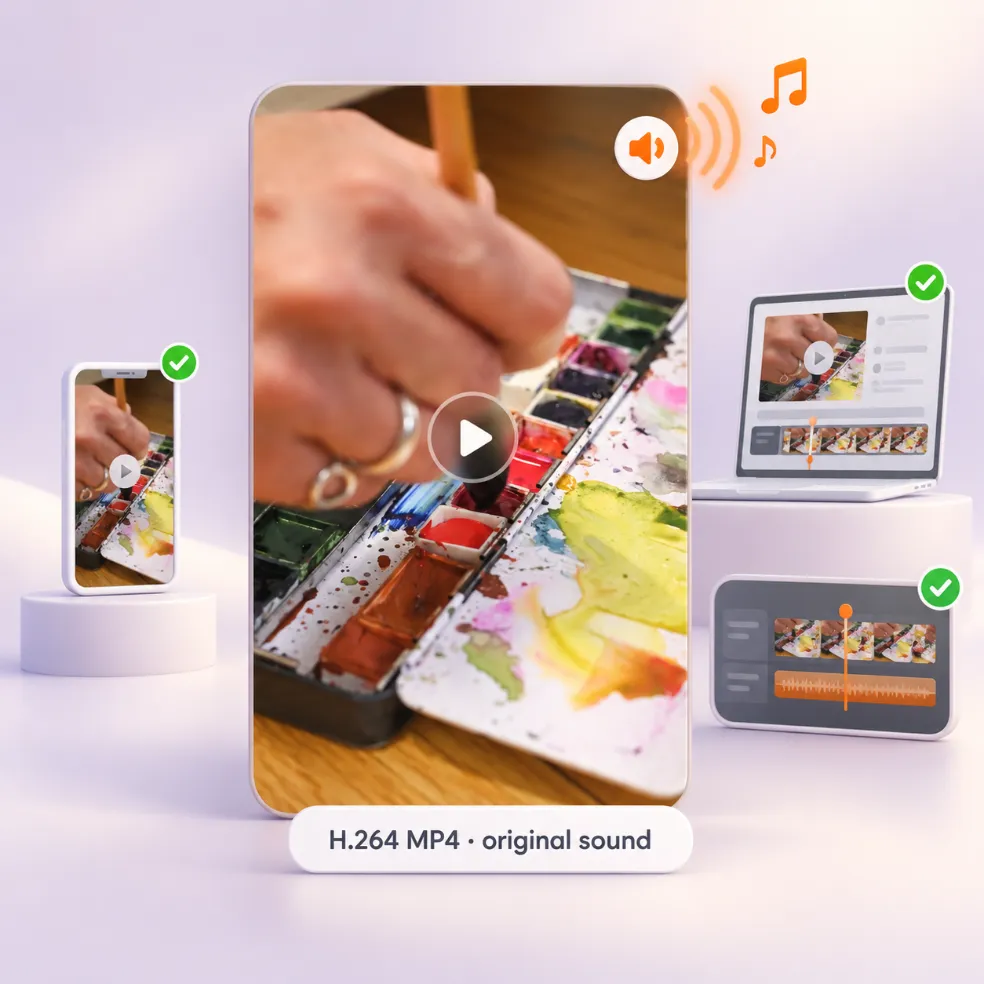
H.264 with the Original Audio
The default file is H.264 MP4, the most widely supported video format, so it opens on mainstream phones, computers and video editors. It carries the video's original sound, so music and voice-overs come with it.
Get the MP4 file behind any public Pinterest video — with its sound, ready to play, edit or share.
No link handy?
Getting a Pinterest video as MP4 with Pinsload takes three steps. You don't even need a real conversion: the MP4 you get is the file Pinterest already stores.
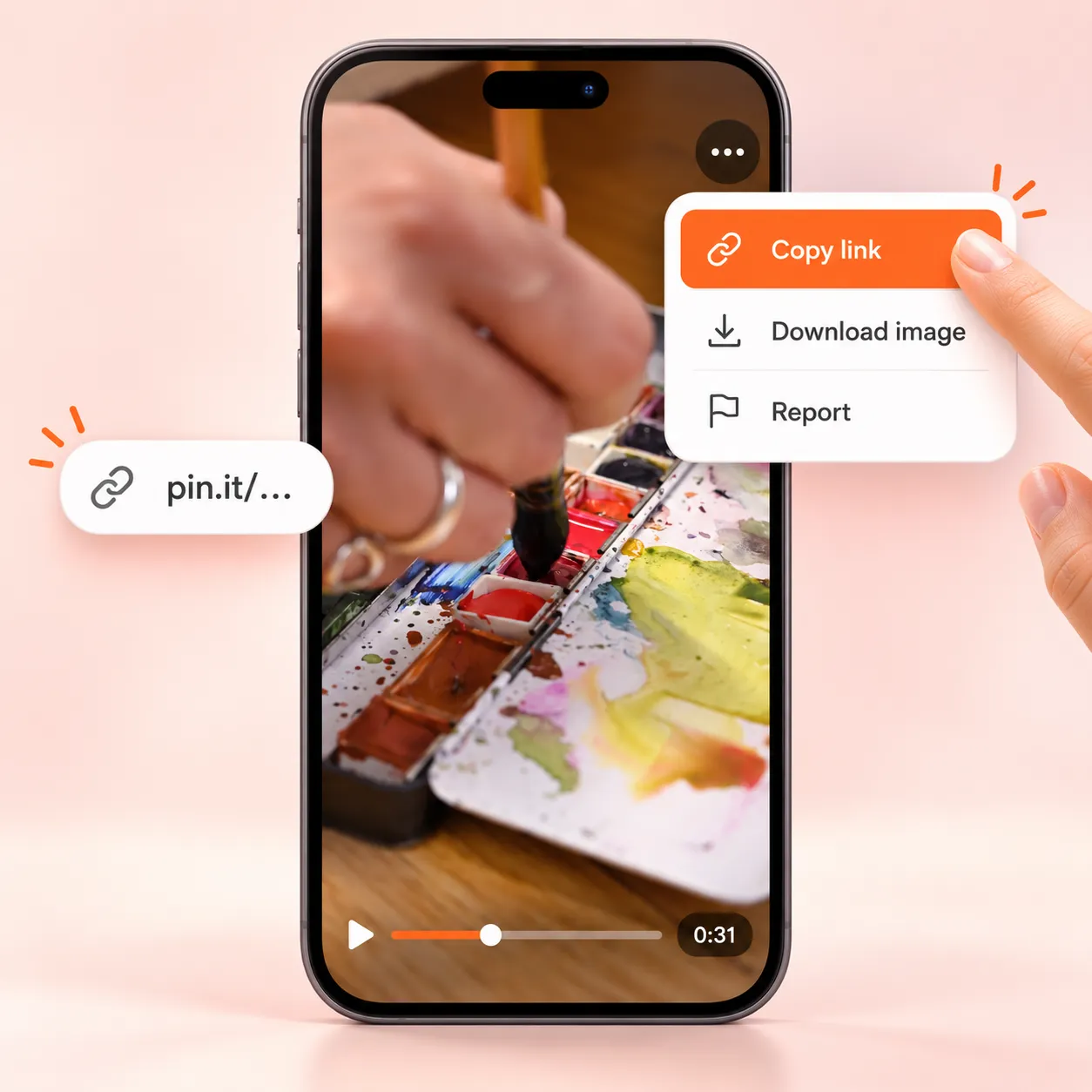
Open the video Pin in the Pinterest app or on the website. Tap Share, then Copy link, or copy the address from your browser bar. Short pin.it links work too.
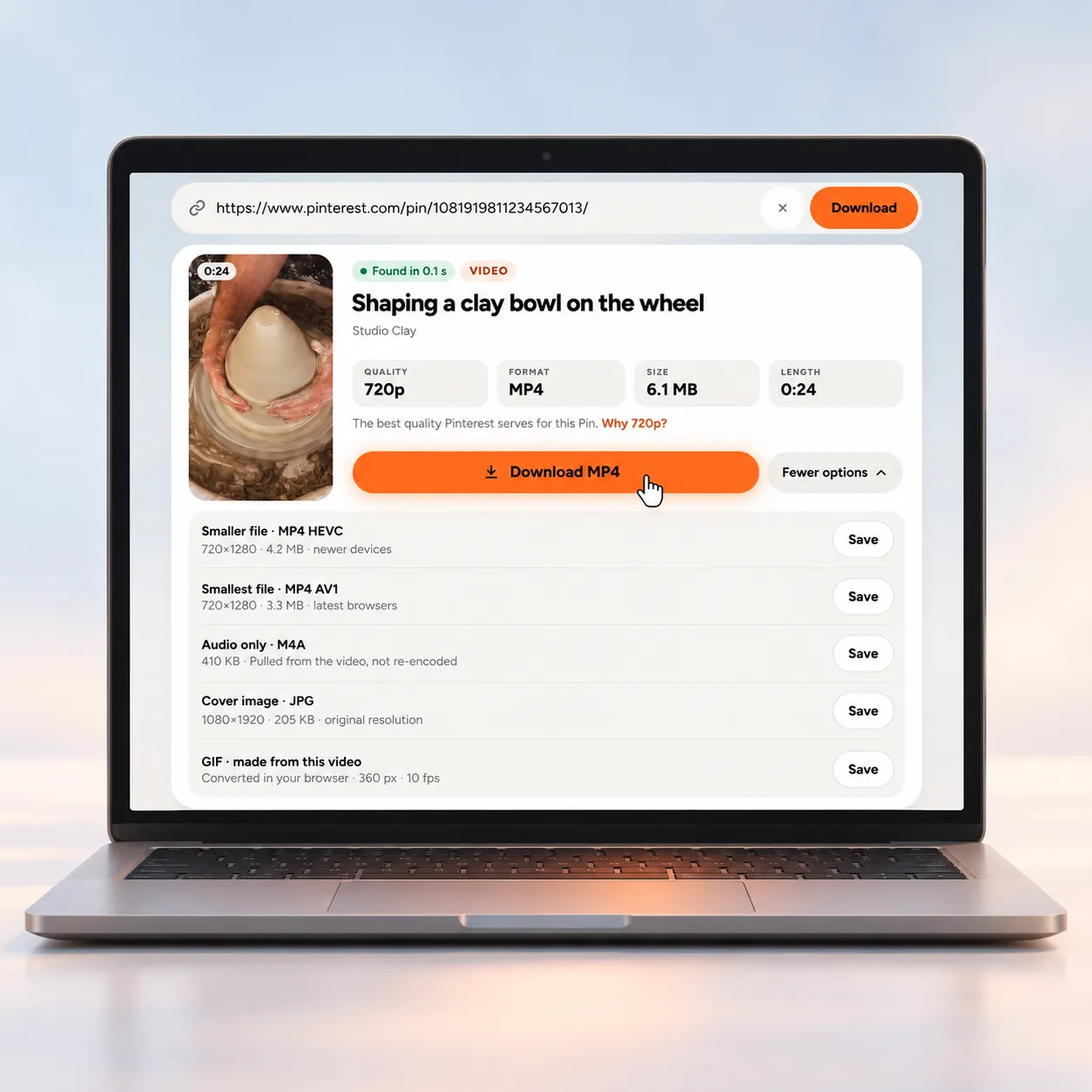
Paste the link into the box above. The result card shows the MP4's quality, size and length. More options lists the smaller HEVC and AV1 versions when Pinterest has them.
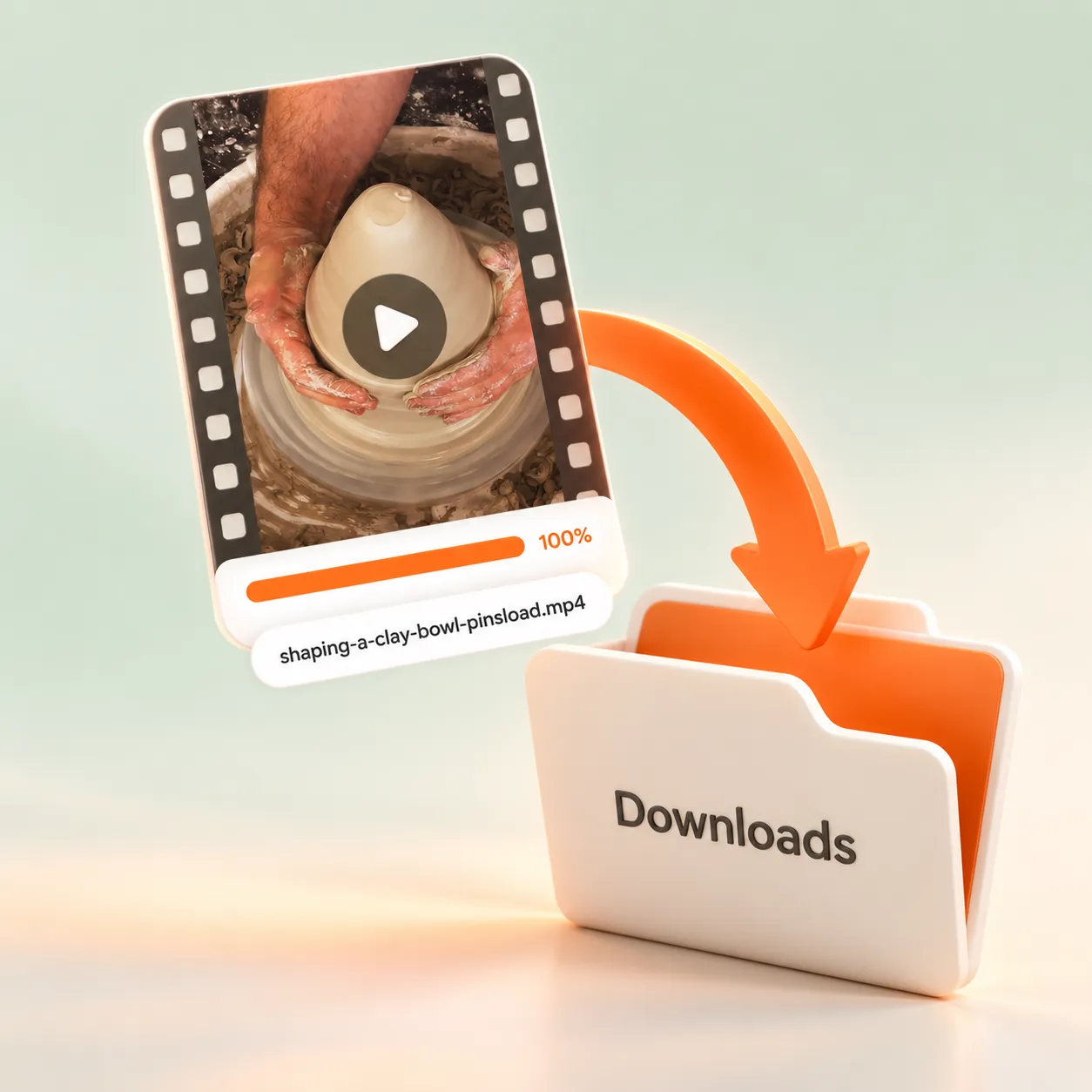
Click Download MP4 on a computer, or tap Save to Photos on a phone. The file is named after the Pin's title, so it's easy to find in your Downloads or camera roll.
The default file is H.264 MP4, the most widely supported video format, so it opens on mainstream phones, computers and video editors. It carries the video's original sound, so music and voice-overs come with it.
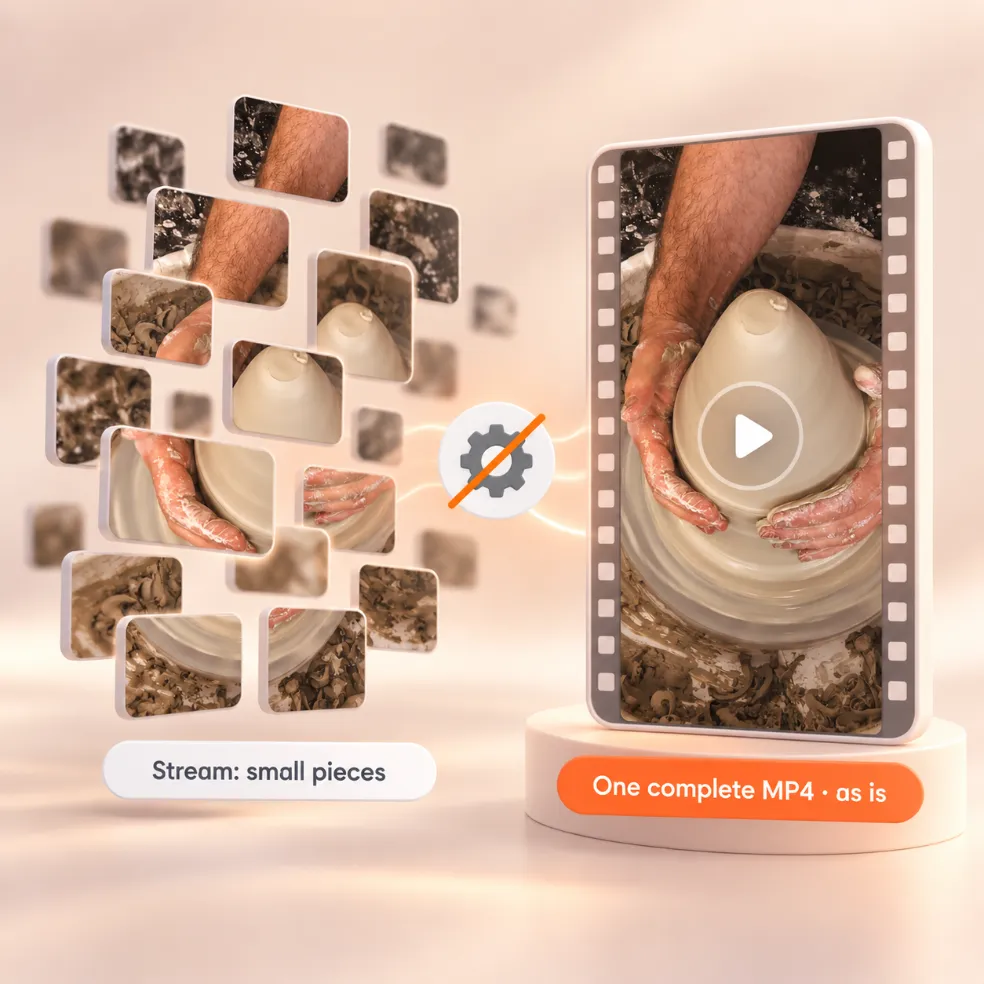
Pinterest plays videos on its website as a stream made of small pieces. Behind that stream, it also keeps a complete MP4. Pinsload hands you that MP4 as it is. Re-encoding would only add time and lose detail, so we don't do it.
For many videos, Pinterest also keeps HEVC and AV1 copies. They show the same 720p picture in a smaller file. On our 20-second test Pin, the H.264 MP4 was 4.9 MB, the HEVC copy 3.3 MB and the AV1 copy 2.9 MB.
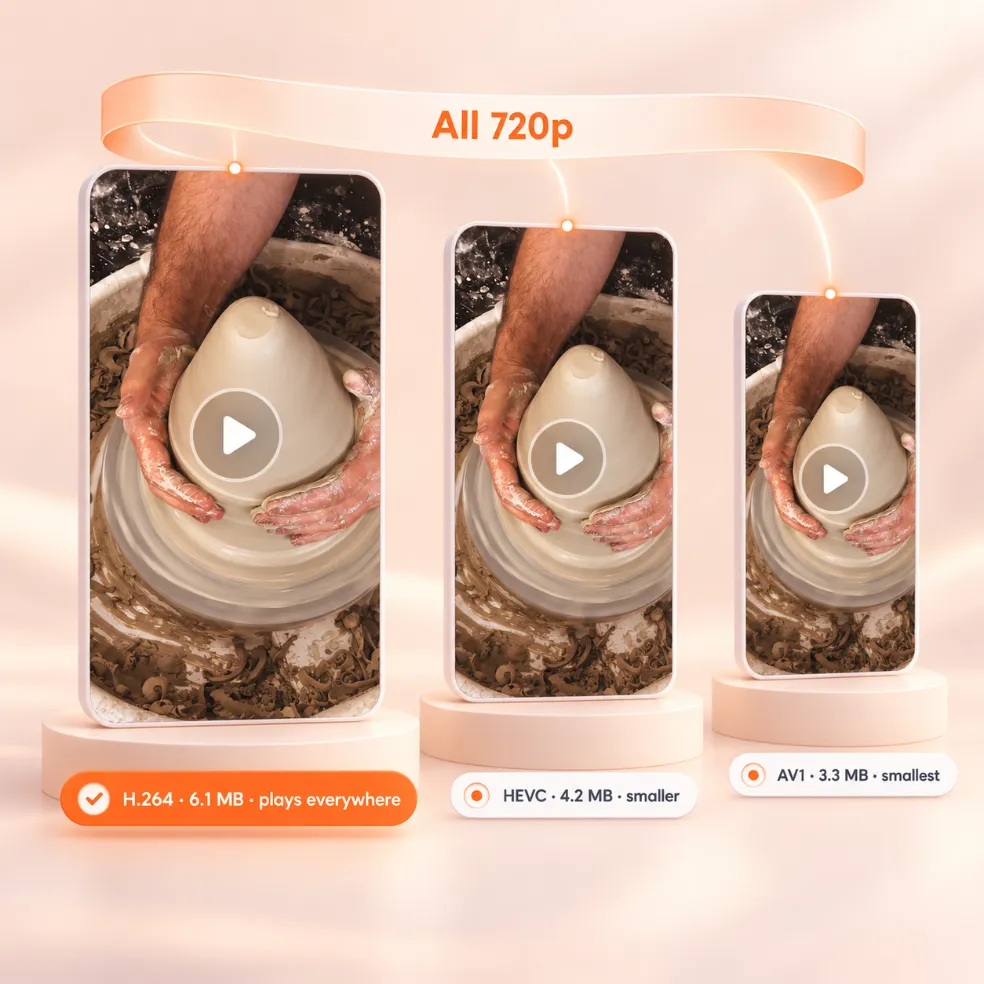
Pick H.264 if you're not sure — it plays everywhere. Pick HEVC to save space on a recent iPhone, Mac or Android phone. Pick AV1 for the smallest file if your browser or player supports it. All three are 720p.
There's nothing to install. The whole Pinterest to MP4 converter runs in your browser.
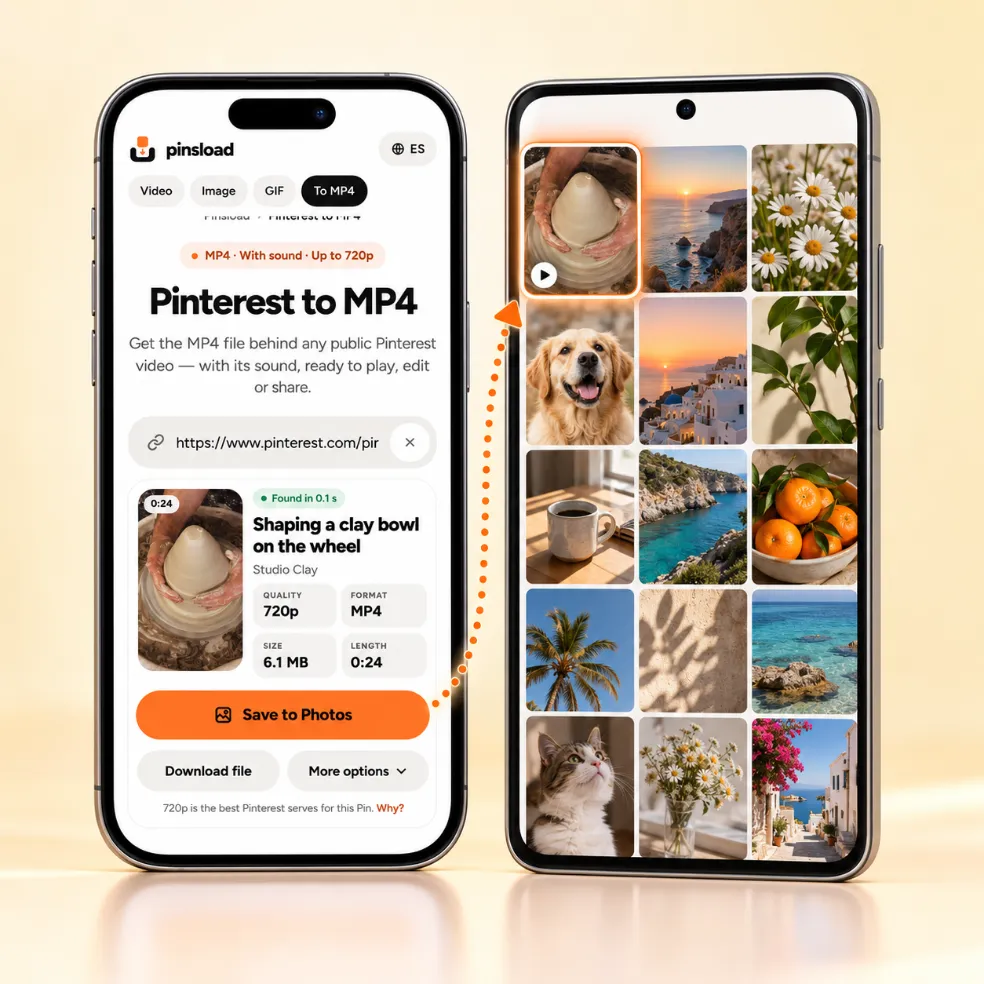
Paste the link in Safari or Chrome and tap Save to Photos. On iPhone, choose Save Video and it lands in Photos › Recents. On Android, pick your gallery app, or tap Download file to keep the MP4 in Downloads.
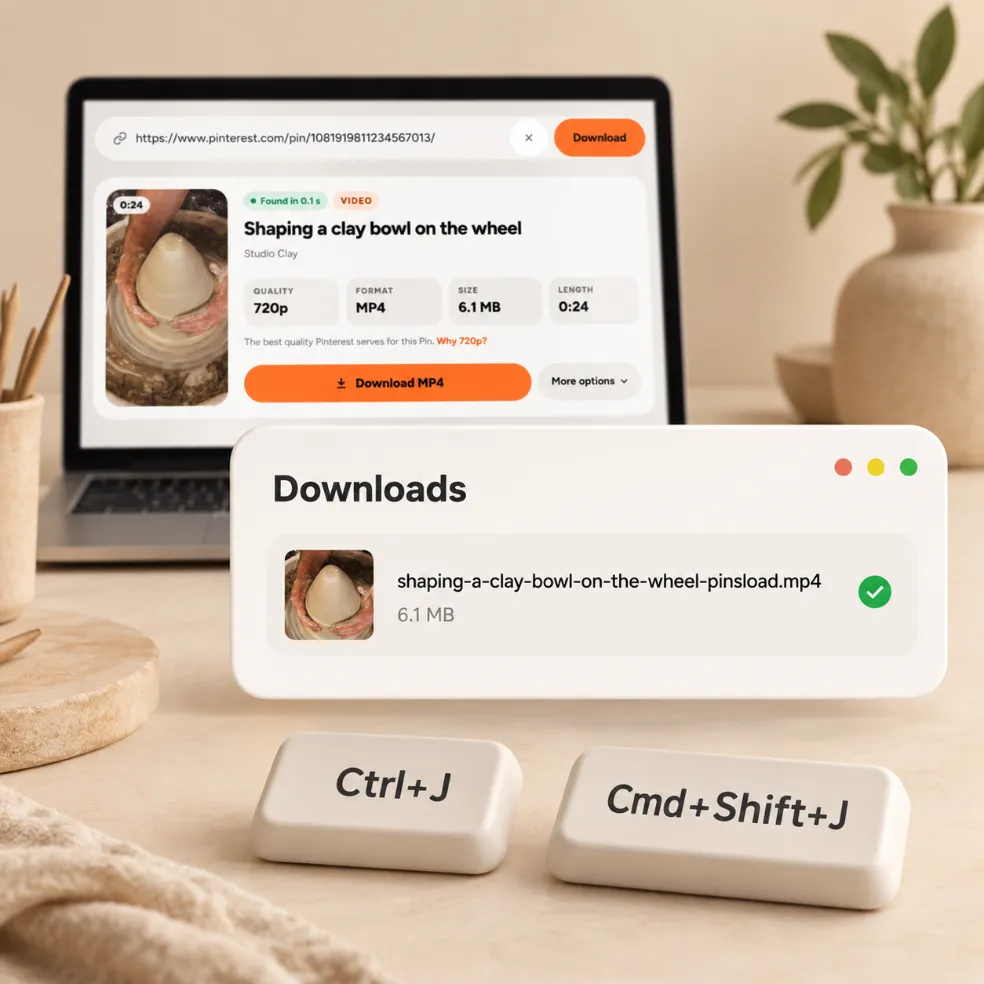
On a computer, click Download MP4 and the file goes to your Downloads folder. In Chrome, press Ctrl+J on Windows or Cmd+Shift+J on Mac to open your downloads.
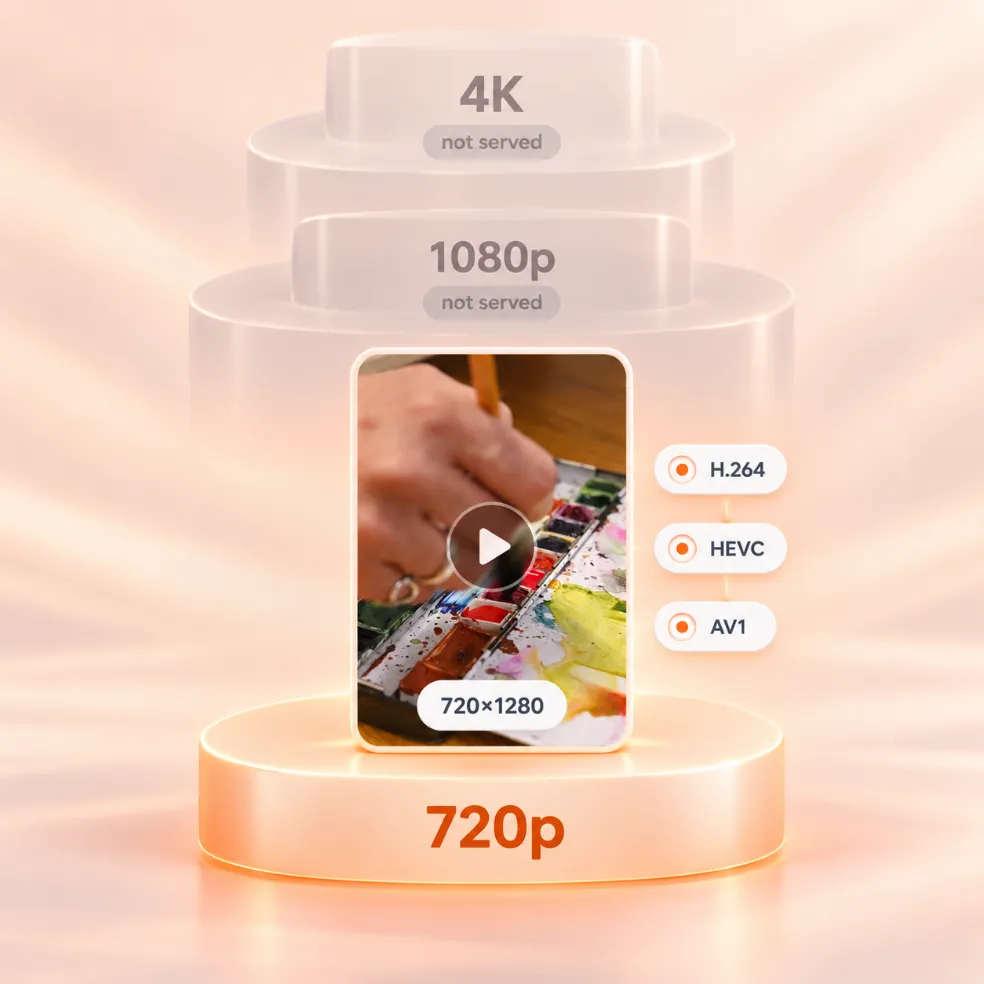
Pinterest serves videos up to 720p. Even a 4K upload comes back as 720×1280 in every MP4 version we checked — H.264, HEVC and AV1 — and in the stream Pinterest plays on its website.
Copy the Pin link, paste it into the box at the top of this page and click Download MP4. On a phone, tap Save to Photos.
Yes. Pinterest already stores its videos as MP4, so there's nothing to convert. Pinsload finds that file and saves it for you.
It's the original MP4 that Pinterest serves. Pinsload doesn't re-encode it.
Yes. The H.264 MP4 includes the video's original sound. If you only want the sound, open More options and choose Audio only to save an M4A.
Try the H.264 version — it plays on every device. HEVC and AV1 are smaller but need newer devices or players. If your file ends in .m3u8, it's a streaming playlist, not a video.
Many animated Pins are stored as videos, so the original file is an MP4. That MP4 is sharper and smaller than a GIF would be. If you need a GIF, use the Pinterest GIF Downloader.
No. Pinterest serves videos up to 720p, so 720p is the best file you can get anywhere.
Same 720p picture, different compression. H.264 is the largest and plays everywhere; HEVC is smaller and plays on most recent devices; AV1 is usually the smallest and needs a recent browser or player.
Save Pinterest videos as MP4, with the real quality and size shown first.
Get the original image the creator uploaded, not the smaller copy Pinterest shows in the feed.
Save animated Pins as GIFs that keep moving.
The Spanish version of Pinsload, for people who search in Spanish.